confluence-cli
Read and write Confluence from your terminal — built for coding agents, designed for humans.
Confluence Cloud
Data Center / Server
Built for agents
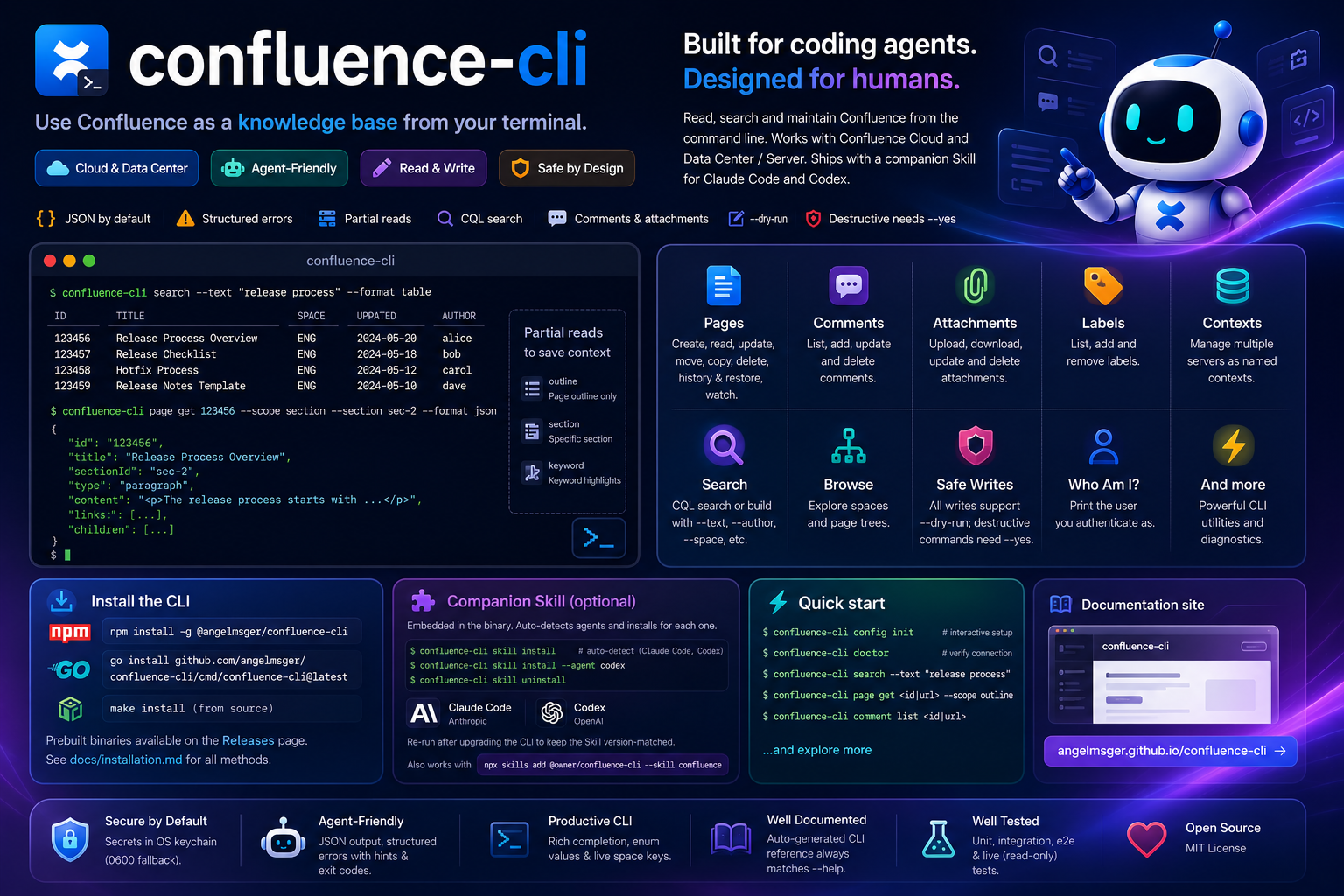
Read and write Confluence from your terminal — built for coding agents, designed for humans.
Read, search and edit Confluence — with output a coding agent can act on.
Pull a whole page, or just an outline, one section or keyword matches — an agent loads only the context it needs.
Create, update, delete, move and copy pages. Author in Markdown — it converts to storage format — and preview any write with --dry-run.
Query with raw CQL, or build one from filter flags. Resolve me to the current user, then filter page history by actor and time.
Read footer comments and post threaded replies. Preview the parent and body with --dry-run, including in read-only mode.
kubectl-style named contexts in one config file. Switch the current server, or override per command with --use-context.
JSON by default, with structured errors — categories, exit codes and recovery hints a coding agent can branch on.
Tokens live in the OS keychain, with a per-user DPAPI fallback on Windows and a 0600 fallback on macOS/Linux — never in the config file.
One flavor-agnostic client; the backend is detected automatically, with compatible user and page-history paths for older Data Center servers.
Install with npm, then finish setup in two steps — deploy the Skill, then turn on shell completion.
# recommended — fetches the prebuilt binary for your platform
npm install -g @angelmsger/confluence-cli
Other methods — go install, a source build, or a prebuilt binary from the
Releases page — are in the
installation guide.
Then finish setup:
A confluence Skill is embedded in the binary. It detects your coding agents — Claude Code, Codex, Cursor and ten more — and installs for each one found:
$ confluence-cli skill install
# Re-run after CLI upgrades, then reload the agent context.
Completes subcommands, flag values and live space keys. Load it once:
$ source <(confluence-cli completion bash)Set up a server, then read and write from the terminal.
# interactive TUI setup, then verify connectivity
$ confluence-cli config init --pretty
$ confluence-cli doctor

# find a page, then read it in stages
$ confluence-cli search --text "release process"
$ confluence-cli page get <id|url> --scope outline
$ confluence-cli page get <id|url> --scope section --section sec-2

# find pages I edited during a local calendar day
$ confluence-cli search --type page --contributor me --after 2026-09-03 --all --fields id \
  | jq -r '.items[].id' \
  | confluence-cli page history - --actor me \
      --from 2026-09-03T00:00:00+08:00 --to 2026-09-04T00:00:00+08:00

# create a page from Markdown, preview before sending
$ confluence-cli page create --space ENG --title "Release Notes" \
    --body-format markdown --body-file notes.md --dry-run
Eight command groups. Every flag and example lives in the full CLI reference.
NDJSON lists stream rows to stdout and preserve continuation cursors in a structured _notice.pagination on stderr. Pass next as --cursor, or use --all for complete output.
Read, create, update, delete, move and copy pages; walk the tree and query edit history.
searchCQL search — raw, or built from filter flags.
spaceList and inspect Confluence spaces.
commentRead footer comments and post replies.
attachmentList and download page attachments.
configSetup wizard, plus multi-server context management.
authInspect and manage stored credentials.
doctorDiagnose configuration, credentials and connectivity.
Longer-form documentation, rendered on GitHub.
Every install method, shell completion, and deploying the Skill.
Architecture, the flavor-agnostic API client, error model and rendering.
How releases are cut and published to GitHub and npm.
The confluence Skill that teaches a coding agent the CLI.
Preset service settings with confluence-cli config set-context; reuse a matching stored login with auth reuse, or use auth guide and auth login for personal credentials. Team distribution guide